
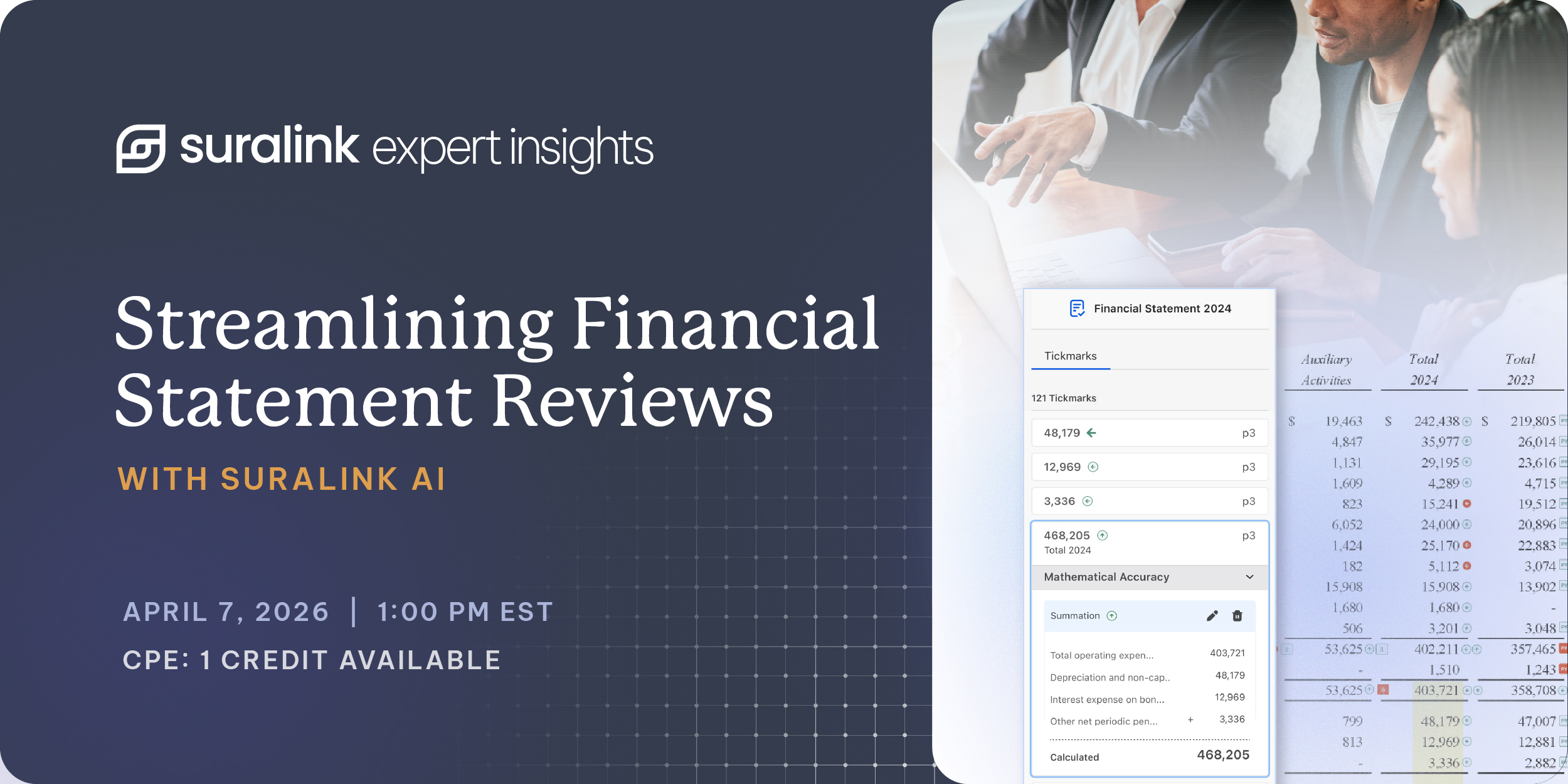
To view the full webinar, click this link.
The final mile of an audit engagement shouldn’t rely on manual "ticking and tying" to catch inconsistencies and calculation errors. For decades, the financial statement tie-out has remained a grueling, manual process—often performed by exhausted teams at the exact moment when precision matters most. Join us for a first look at Suralink’s AI-powered Financial Statement Tie Out solution.
During this webinar, you’ll:
-
Discover how Suralink is evolving from request management to a comprehensive request-to-review platform.
-
See Suralink’s Tie Out Agents in action as they review and validate a set of financials for mathematical accuracy, internal consistency, and prior year consistency.
-
Understand the benefits of automated tie-outs across the entire engagement team, ensuring quality and efficiency for everyone from staff preparers to senior partners.
The Shift to Integrated Engagement Automation
Suralink has expanded its positioning beyond a traditional Prepared by Client (PBC) document collection solution. The company is actively investing in a broader identity shift to become an integrated engagement automation platform that supports the entire request-to-review lifecycle of an audit. By automating repetitive administrative tasks and "grunt work," the platform aims to free up engagement teams to focus on complex analysis and professional judgment.
Key Product Suites and Available Features
SureLink highlighted three core layers of its platform that are currently live and available for firms:
1. Request List Management & The Assessment Hub
This flagship product focuses on the secure exchange of information between firms and clients. It has been bolstered by the Assessment Hub, which includes:
- Inline File Previewer: Allows users to quickly review fulfilled client requests within the platform without downloading files locally to a desktop.
- AI "Ask Anything" Capability: Employs AI to read, interpret, and cite evidence from long, complex compliance documents like debt or lease agreements.
- Pinned and Tagged Comments: Enables contextually specific feedback tied to exact sections of a document to quickly streamline client or internal follow-ups.
2. Workpaper Suite
Designed to automate manual spreadsheet preparation and review natively inside Microsoft Excel, this add-in features:
- Direct Platform Syncing: Links Excel workpapers directly back to specific entries in the request list platform, ensuring teams always work with the latest data.
- Embedded Excel Collaboration: Pulls the same pinned and tagged comment capabilities into Excel so auditors can message clients directly from active workpapers.
- Enhanced Cloud Security: Processes calculations securely in the cloud without forcing documents to download locally, keeping Excel file sizes small and secure.
- Data Extraction: Supports automated PDF-to-Excel extraction, transaction data matching, and automated sample testing.
3. Financial Statement Tie-Out
Closing the final operational loop, this tool uses automated AI agents to execute the stressful, last-mile review of a financial statement draft to protect firm branding and reputation:
- Mathematical Accuracy Agent: Automatically foots and cross-foots rows, columns, and totals across every table in the draft to instantly flag rounding or math errors.
- Internal Consistency Agent: Reads the structural context of the report to verify that interconnected data points reconcile perfectly across different pages (e.g., verifying that face financials flow correctly into the statement of cash flows or deeper footnote disclosures). This agent also serves as a training mechanism for associates learning footnote structures.
- Prior Year Consistency Agent: Automatically cross-checks the current financial draft against the prior year's issued statements to completely mitigate roll-forward errors.
Audience Polling Highlights
During the session, real-time polling data from webinar attendees confirmed that legacy manual methods continue to dominate the final phase of engagements:
- The Word/Excel Standard: Fully 79% of surveyed professionals still rely on a manual combination of Microsoft Word and Excel to prepare their clients' financial statement drafts.
- Universal Financial Errors: Reviewers reported facing errors across the board due to broken Excel links, manual hard-keying errors, broken formulas, and version control issues stemming from last-minute adjustments failing to flow through the footnotes.